
Hear anything.
Understand everything.
Tablingo captures your browser tab's audio and displays live bilingual subtitles — on any website, in any language, with zero setup.
Free to try · No credit card required



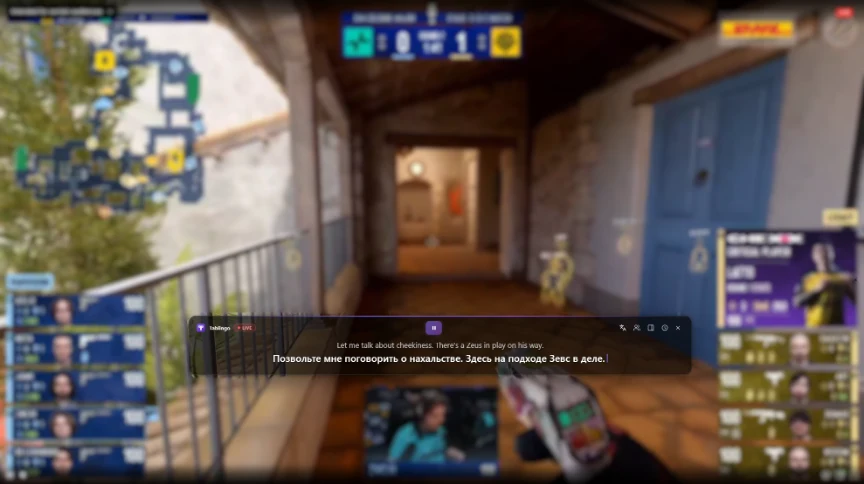
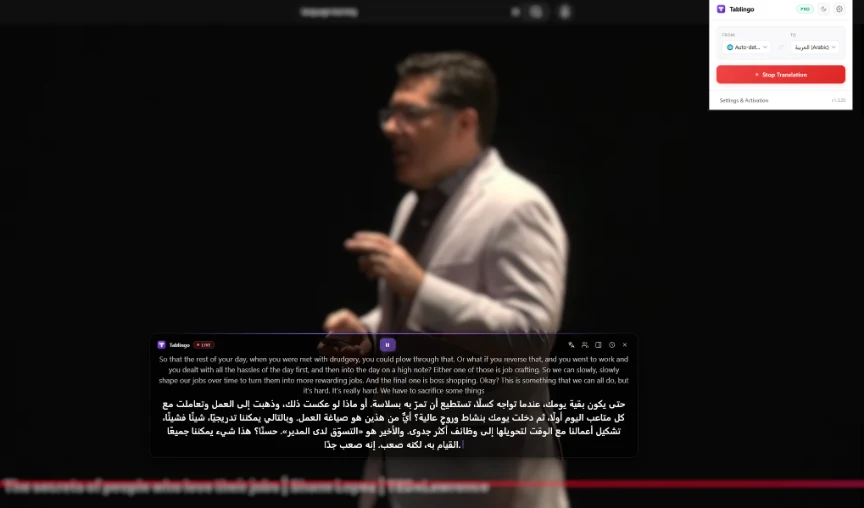
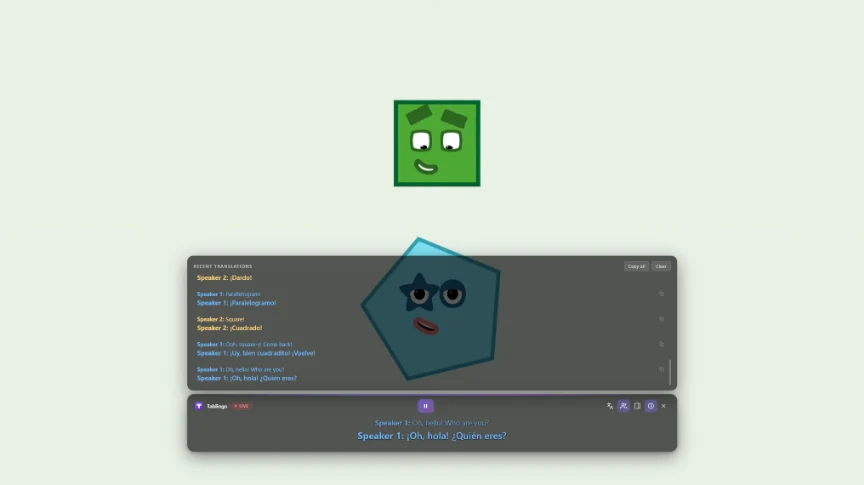

Three steps to live subtitles
No configuration, no plugins, no restrictions.
Works on any website with audio content — online courses, videos, podcasts, meetings, and more.
 ● 01 / 03
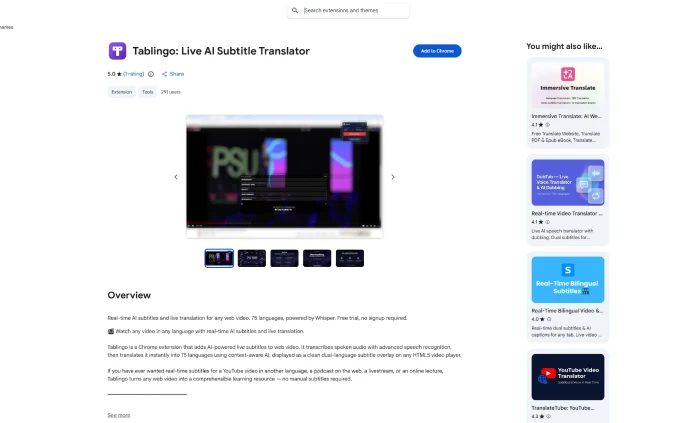
Install the extension
Add Tablingo to Chrome from the Web Store. No permissions are requested beyond audio capture for the active tab.
 Get it on Chrome Web Store →
Sign in & pick languages
Create a free account, open the extension settings, and choose your source and target languages.
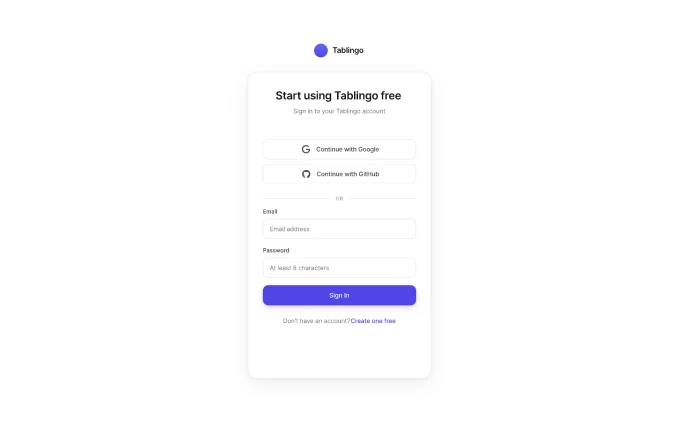 ● 02 / 03
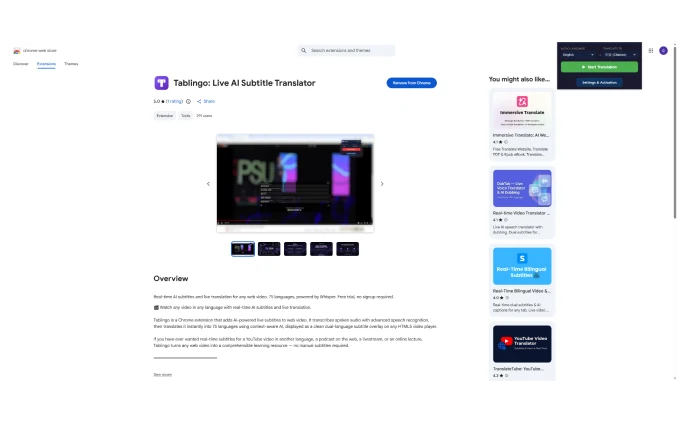 ● 03 / 03
Click Start Translation
Hit the toolbar icon on any tab. A live bilingual subtitle overlay appears at the bottom of the page instantly.
Everything you need,
nothing you don't
Built for real-world use — meetings, lectures, streams, language learning.

Any tab, any audio
Works with any Chrome tab — video platforms, online meetings, podcasts, educational content, and more. No special integration needed.

Low-latency streaming
Powered by state-of-the-art AI for real-time transcription and translation. Subtitles typically appear within seconds of speech.

75 languages
Translate from any of 75 supported languages into your language of choice. Auto-detect works too.
Speaker identification
Automatically labels each speaker in color when multiple people are talking — perfect for interviews, meetings, debates, and podcasts.

Fully customizable
Position, font size, colors, and background opacity are all adjustable so subtitles fit naturally into any content.

Private by design
Audio is processed in real time and never stored. Only the transcribed text is sent for translation — raw audio is discarded immediately.
AI session summaries PRO
Turn a whole lecture, meeting, or stream into a concise AI summary in one click — in the original language or your own.
Save & export PRO
Copy the full transcript, or download it — and your summary — as a text file, so your notes are yours to keep.
Sidebar or floating
Keep subtitles floating over the video, or dock them as a scrolling transcript sidebar with a history you can scroll back through.
75 languages, one click away
Translate between any pair — or let auto-detect figure out the source language for you.
 English
 Chinese
 Hindi
Hindi
 Spanish
 French
 Arabic
 Bengali
 Russian
 Portuguese
 Urdu
Urdu
 Indonesian
 German
 Japanese
 Swahili
Marathi
Telugu
Swahili
Marathi
Telugu
 Turkish
Tamil
Turkish
Tamil
 Vietnamese
 Korean
 Filipino
 Malay
Malay
 Burmese
Punjabi
Burmese
Punjabi
 Italian
 Persian
Gujarati
Persian
Gujarati
 Thai
Kannada
Thai
Kannada
 Polish
 Amharic
 Ukrainian
Malayalam
Ukrainian
Malayalam
 Uzbek
Uzbek
 Romanian
 Azerbaijani
 Nepali
 Dutch
Dutch
 Kazakh
 Hebrew
 Sinhala
 Khmer
Khmer
 Greek
Greek
 Czech
Czech
 Hungarian
 Swedish
 Serbian
 Bulgarian
 Afrikaans
 Albanian
 Norwegian
 Danish
 Finnish
 Croatian
 Slovak
 Lithuanian
 Catalan
 Latvian
 Slovenian
 Belarusian
 Armenian
 Bosnian
 Estonian
Galician
Estonian
Galician
 Georgian
 Hausa
Hausa
 Icelandic
 Lao
Lao
 Macedonian
 Maltese
 Mongolian
 Somali
 Tajik
Tajik
 Welsh
Yoruba
Welsh
Yoruba
Loved by thousands of users
What people say about Tablingo.
Tablingo totally changes my language learning! It captures audio from any browser tab and pops up real-time bilingual subtitles automatically on every website, no setup needed at all. Finally I can follow foreign podcasts and tutorial videos without language barriers.
As someone who attends lots of overseas online meetings, this tool is a lifesaver. Supporting all languages and all web pages, Tablingo transcribes meeting audio into dual subtitles instantly, saving me tons of time on manual note-taking.
I've tried dozens of subtitle extensions before, but none works like Tablingo. It works on every streaming site without complicated configuration, catches all page audio and displays bilingual captions synchronously. Worth every penny for global drama fans.
Start understanding
any audio, right now
10 minutes free every month — no credit card required. Upgrade to Pro for unlimited translation.
Start free.
Upgrade when ready.
No hidden fees. Cancel anytime. Keep access until your period ends.
- ✓ 10 minutes of translation per month (resets monthly)
- ✓ All 75 supported languages
- ✓ Customizable subtitle overlay
- ✓ Automatic speech detection
- ✓ Speaker identification (color-coded)
- × Unlimited usage
- × Higher rate limits
- ✓ Unlimited translation
- ✓ All 75 supported languages
- ✓ Customizable subtitle overlay
- ✓ Automatic speech detection
- ✓ Speaker identification (color-coded)
- ✓ One-click AI session summaries
- ✓ Copy & export transcripts
- ✓ Higher rate limits (60 req/min)
- ✓ Cancel anytime, no questions asked
- ✓ Unlimited translation
- ✓ All 75 supported languages
- ✓ Customizable subtitle overlay
- ✓ Automatic speech detection
- ✓ Speaker identification (color-coded)
- ✓ One-click AI session summaries
- ✓ Copy & export transcripts
- ✓ Higher rate limits (60 req/min)
- ✓ Save $40.88 vs. monthly
FAQ
All you need to know about Tablingo. Can't find your answer? Contact us.